

STATION OFFLINE
Please check the Station Operator Kitecenter Receiver Gateway and verify the internet connection.
Please confirm whether the gateway is online and if there is not any issue with the internet connection.
Contact Support: stations@kwind.app
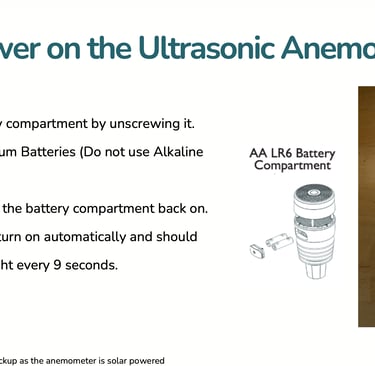
Place the wind sensor correctly to ensure accurate wind quality knots for KWind and Windguru. Click👇


After Submit Contact us


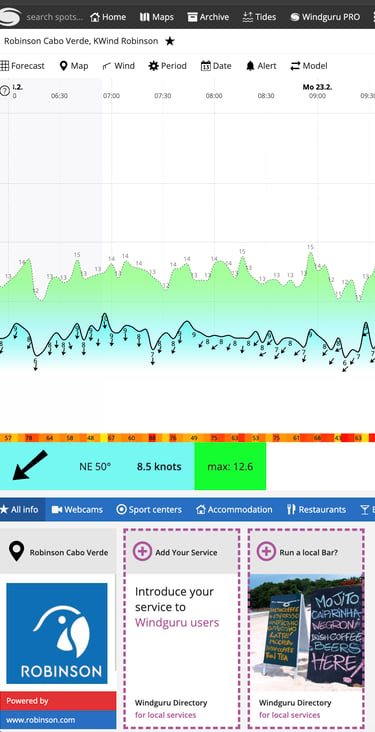
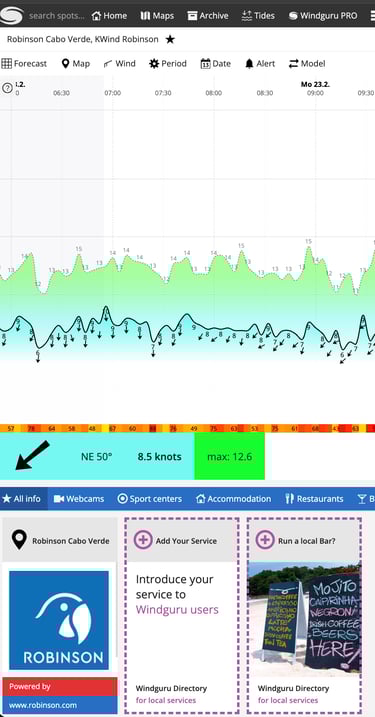
Windguru include ad window


1.Add Batt. to the Sensor then Auto Setup Ecowitt Station


Auto Setup – 3 Simple Steps
Add the batteries to the sensor.
Plug in the receiver and power it on.
Connect your phone to the receiver’s Wi-Fi network (GWxxxxx). Then open the Kwind App and follow the setup steps.
Finally, fill out the spot form and send an email.


example spot live stream cam
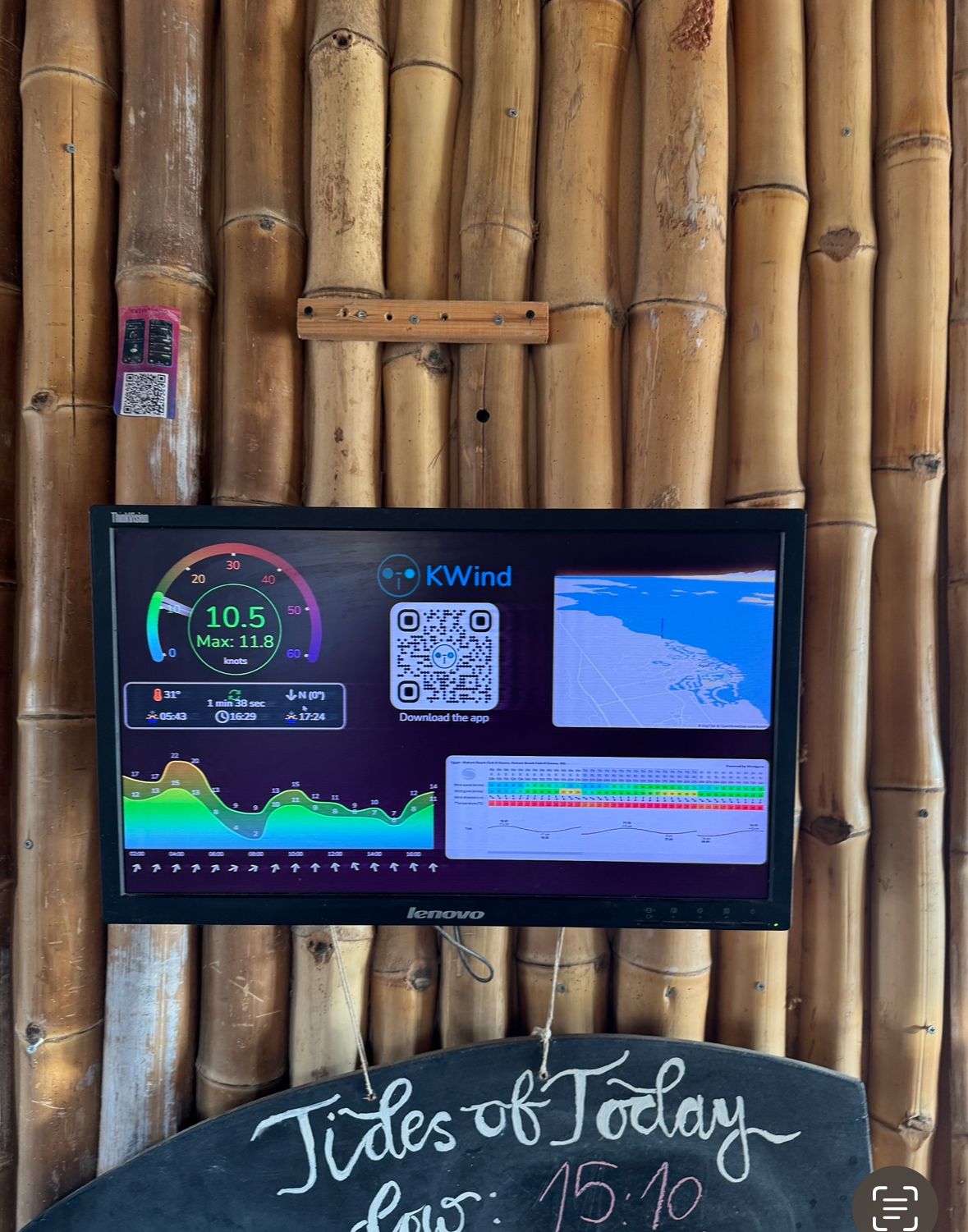
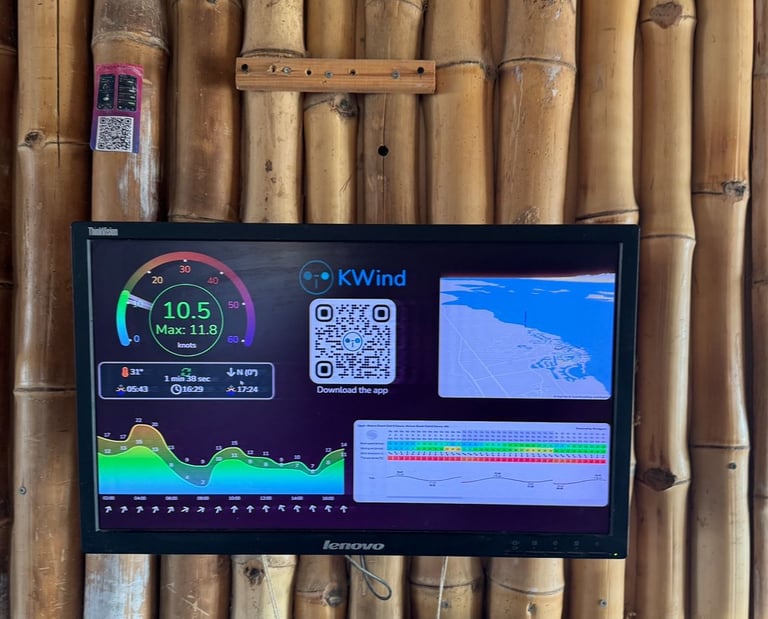
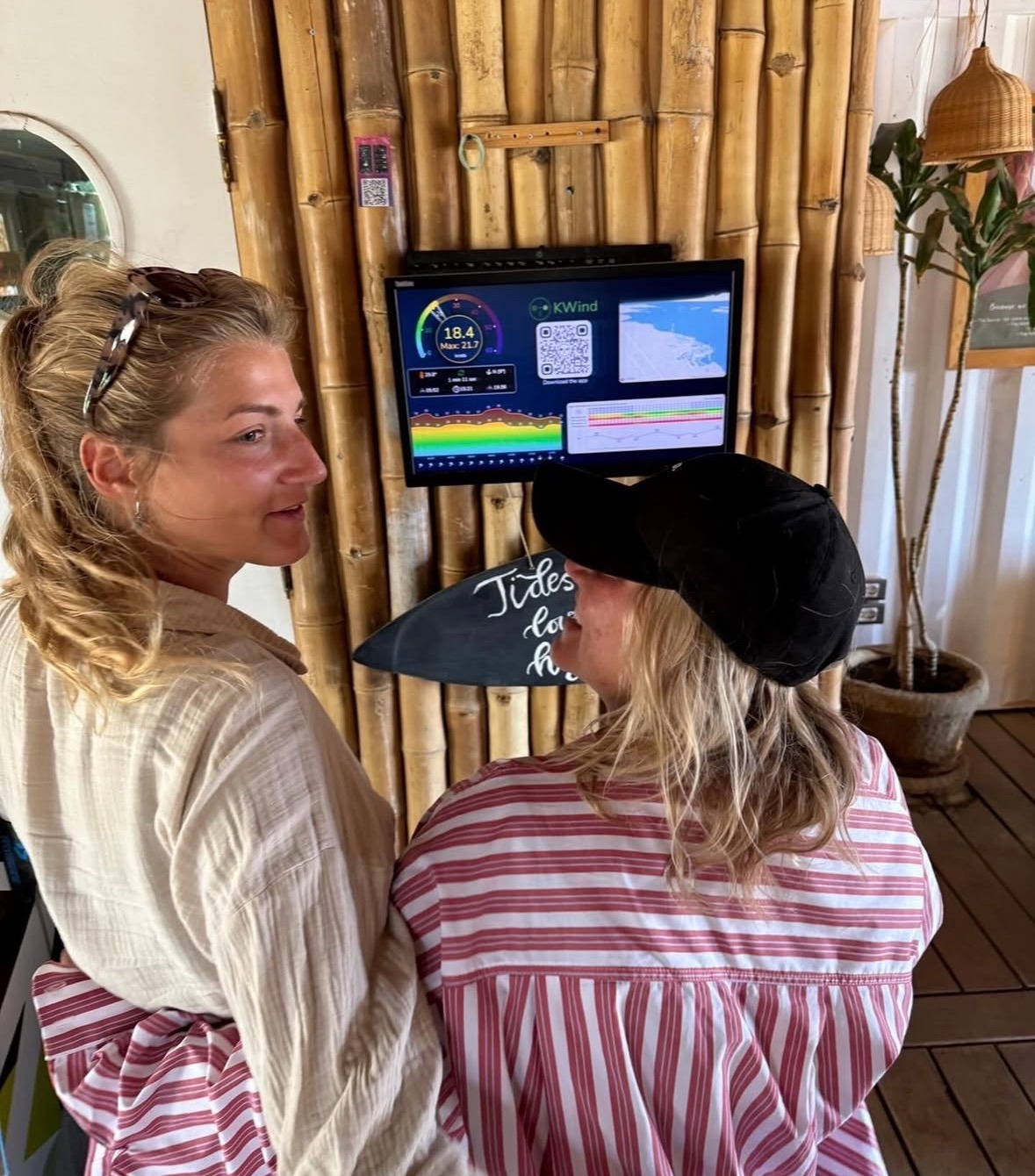
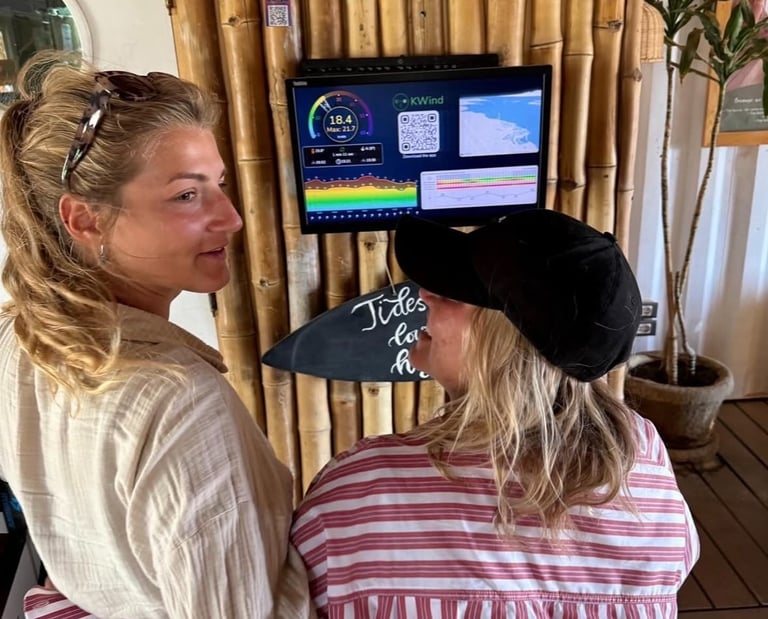
TV,PC Screen Widget
Our TV screen widget allows for displaying our app on a large screen.
Your customers will enjoy watching the wind while relaxing at your facilities.
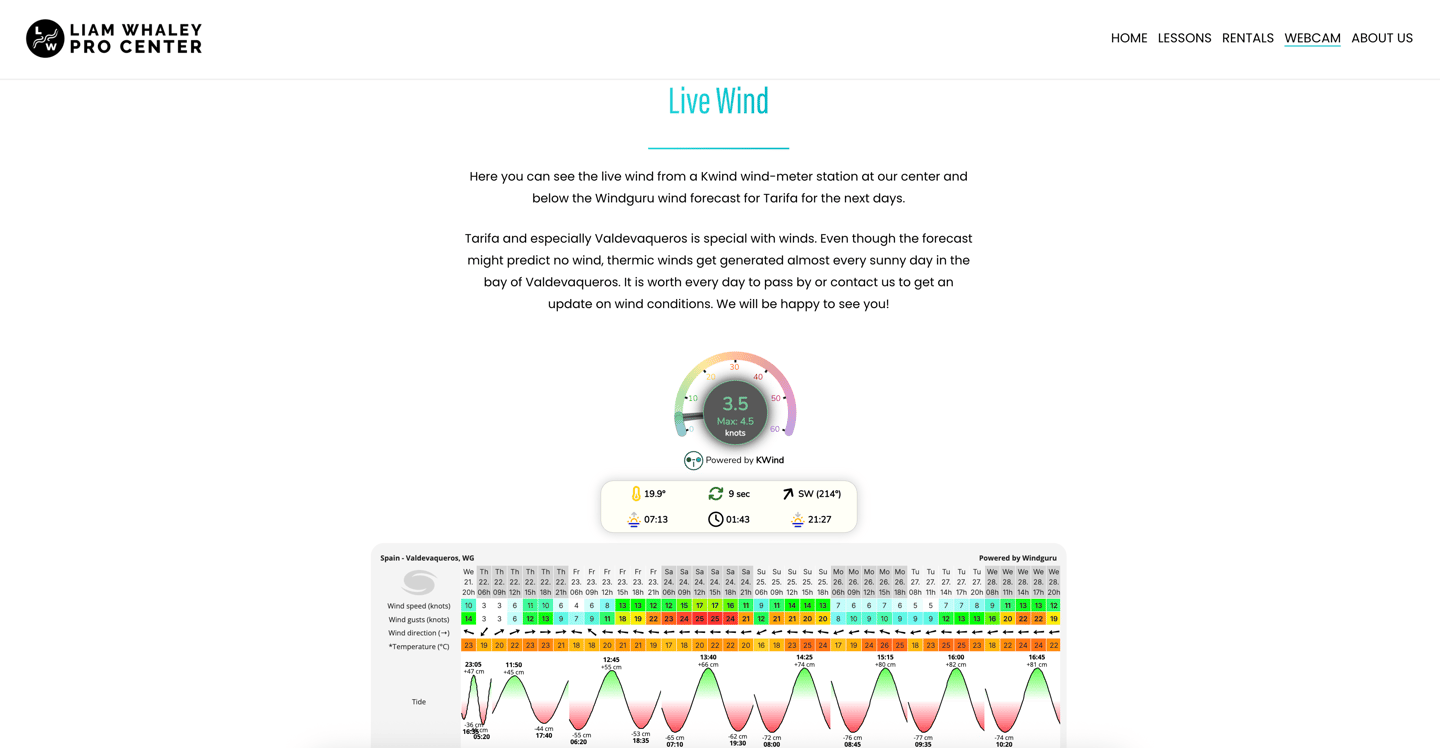
Website Integration
Seamlessly integrate KWind into your website with our widget creator.
No coding needed and fully customizable.
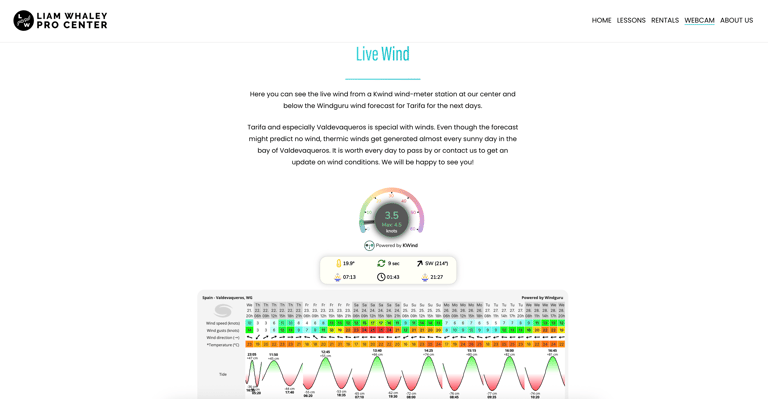




Live Stream Widgets
Promotion Banner
Advertise an upcoming event, inform our users of discounts or greet them with a happy message.
The banner can be customized to your liking with a custom design and a link to your promotion.